
What Is the Telugu Keyboard on Kactyl?
The Kactyl Telugu keyboard (తెలుగు) is a free, browser-based tool that lets anyone type in Telugu without installing software, downloading an app, or changing their device language settings. It works instantly in Chrome, Safari, Firefox, and any modern browser on iPhone, Android, Windows, Mac, or Chromebook.
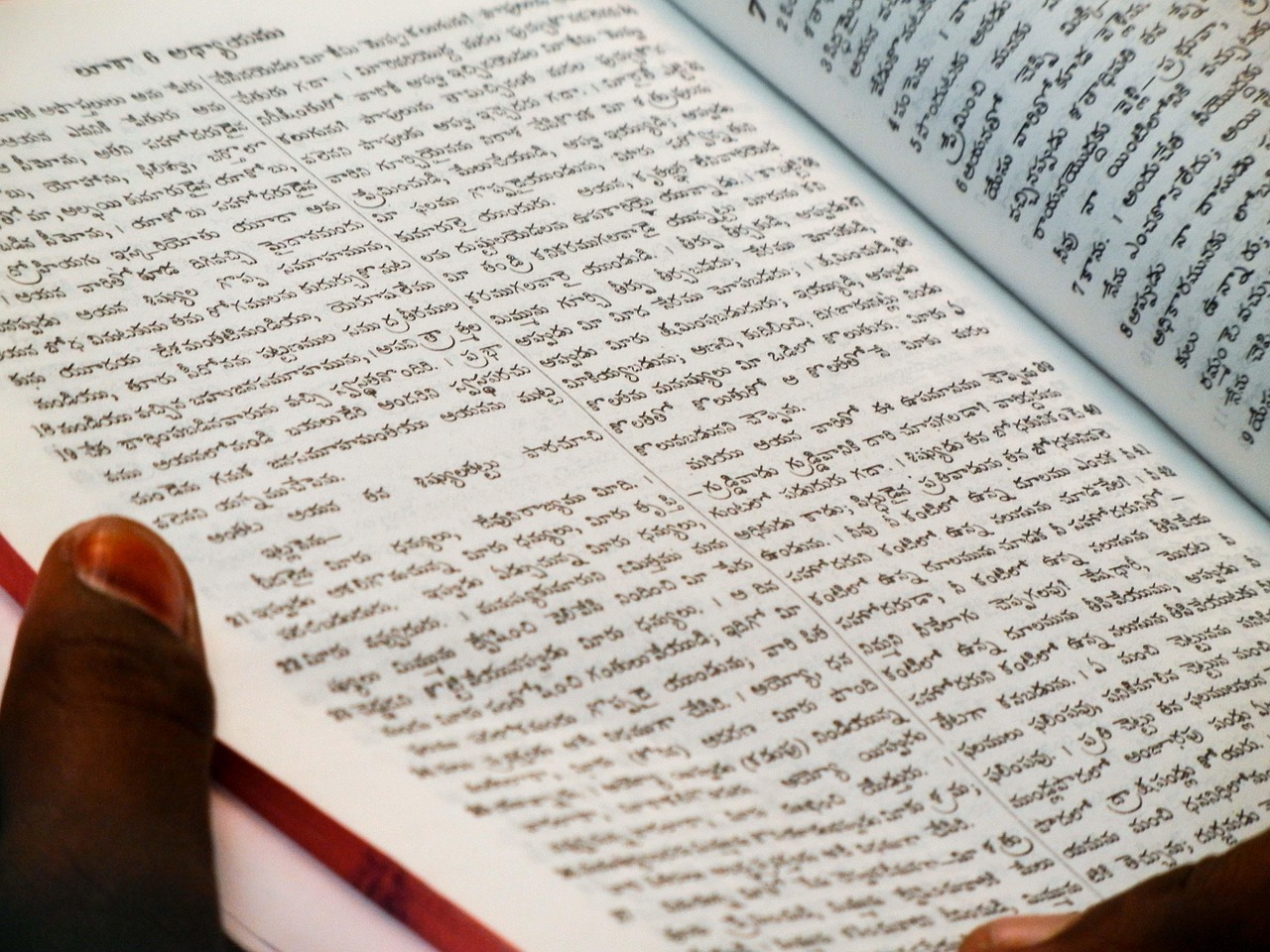
Telugu is written in Telugu script, left-to-right, round flowing characters and spoken by 95 million people worldwide. Whether you're a native speaker living abroad, a student learning the language, or someone who just needs to type a quick message, Kactyl gives you full Telugu typing capability in seconds.
How to Type Telugu Online — 3 Simple Steps
- Open the keyboard: Go to kactyl.com/telugu/ on any device. The Telugu keyboard loads instantly — no account or download needed.
- Type your text: Click the Telugu letters on the on-screen keyboard, or use your physical keyboard if the browser is configured for Telugu. Your text appears in the editor in real time.
- Copy and use it: Click the Copy button to copy all your text to the clipboard. Then paste it into WhatsApp, Instagram, a document, or anywhere else you need it.
Unique Feature: Most spoken Dravidian language after Tamil — known for its musical quality
One of the most powerful features of the Kactyl Telugu keyboard is Most spoken Dravidian language after Tamil — known for its musical quality. This makes it significantly easier for users who aren't familiar with the Telugu script layout to type naturally and quickly. Instead of memorizing the position of every Telugu letter, you can type the way the language sounds and get the correct output automatically.
Common Telugu Phrases
| Telugu Script | Romanized | English |
|---|---|---|
| నమస్కారం | namaskaram | hello / greetings |
| ధన్యవాదాలు | dhanyavaadaalu | thank you |
| మీరు ఎలా ఉన్నారు? | meeru ela unnaru | how are you? |
| జయ తెలుగు | Jaya Telugu | victory to Telugu |
Example Telugu Words to Practice
- నమస్కారం (namaskaram = hello)
- ధన్యవాదాలు (dhanyavaadaalu = thank you)
- మీరు ఎలా ఉన్నారు (meeru ela unnaru = how are you)
Typing Tips for Telugu
- Telugu script is curvy and beautiful
- Phonetic typing matches how it sounds
- Conjunct consonants form complex shapes
Does It Work on Mobile?
Yes — tested on both Android and iOS. Kactyl renders the full Telugu script character set on any modern smartphone. Phonetic mode is especially useful on mobile: type the sounds in English letters and the keyboard outputs correct Telugu script in real time, no script layout memorization needed.
Tap Copy to grab your text and paste it into any app. Nothing to install — if your phone has a browser, it has this keyboard. Works the same on a ₹5,000 Android as on a flagship phone.
Why Use Kactyl Instead of Changing Phone Settings?
Installing a Telugu script keyboard on your phone means downloading a language pack, navigating Language & Input settings, and manually switching inputs every time you need Telugu. With Kactyl, none of that applies — open a browser tab and start typing. Switch between Telugu and English by switching tabs, not keyboard settings.
For students, travellers, and professionals who write in Telugu occasionally, this is dramatically simpler. No language packs to manage, no settings to undo, and the same clean experience on every device you use.
About the Telugu Language
Telugu is the most spoken Dravidian language after Tamil with 95 million speakers in India's Andhra Pradesh and Telangana states. The Telugu film industry (Tollywood) is India's second largest film industry by number of films and has a global audience. Telugu digital content is highly active on YouTube and WhatsApp.
Tollywood and Telugu's Digital Renaissance
The Telugu film industry (Tollywood, based in Hyderabad) produces more films annually than any other Indian language film industry except Malayalam. Films like Baahubali, RRR, and Pushpa have attracted global audiences and created massive Telugu-language fan communities online. This cultural momentum has driven a resurgence of Telugu typing online — fans commenting on YouTube, sharing dialogue on Instagram, writing reviews on WhatsApp. Telugu script is known for its rounded, flowing characters that are visually elegant on screen. The script has its own numeral system and a set of conjunct characters for consonant clusters. Kactyl's Telugu phonetic keyboard handles all of these automatically, allowing Tollywood fans and Telugu speakers worldwide to type authentic Telugu script without memorizing the complex character layout.